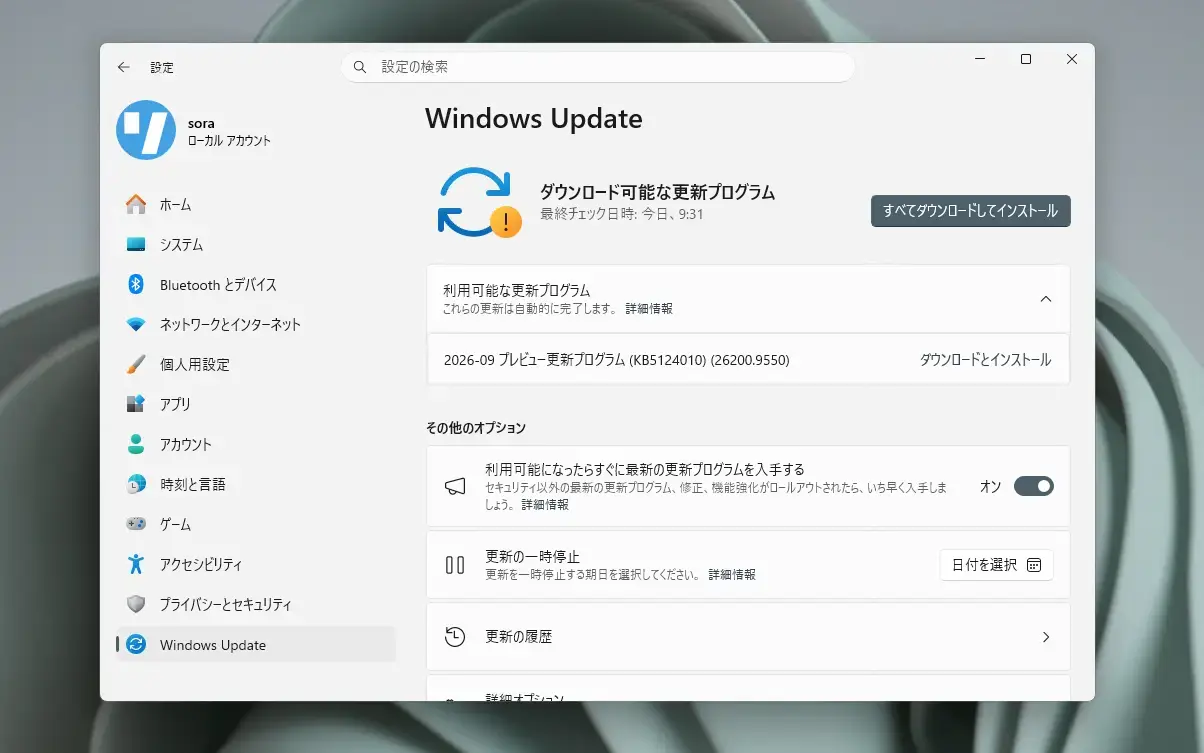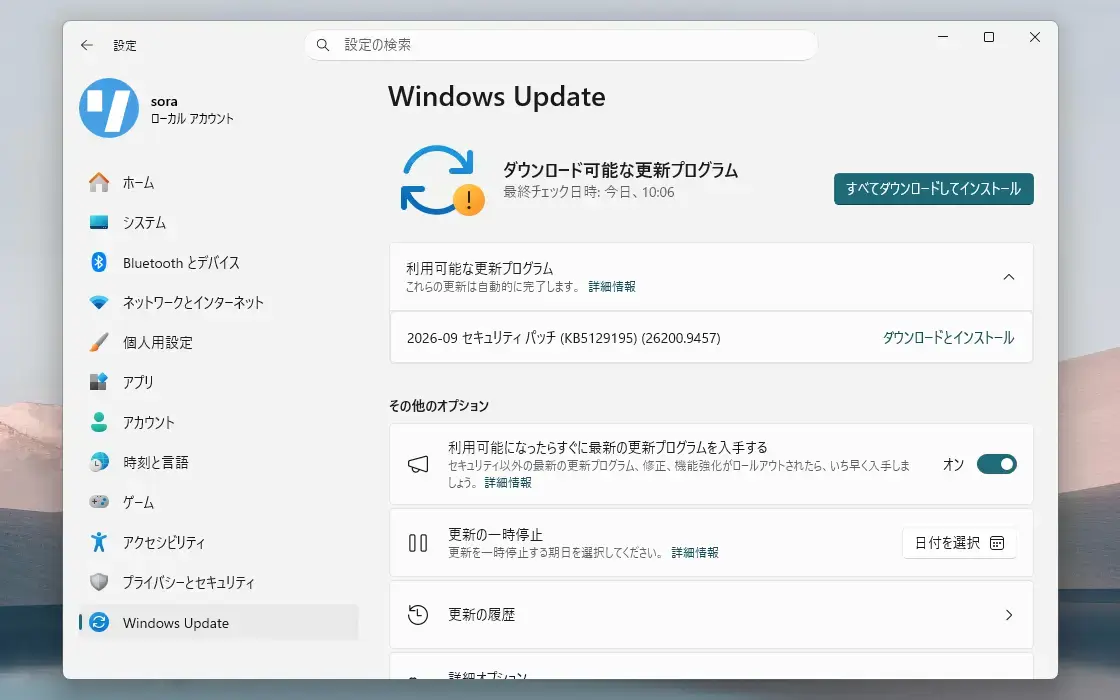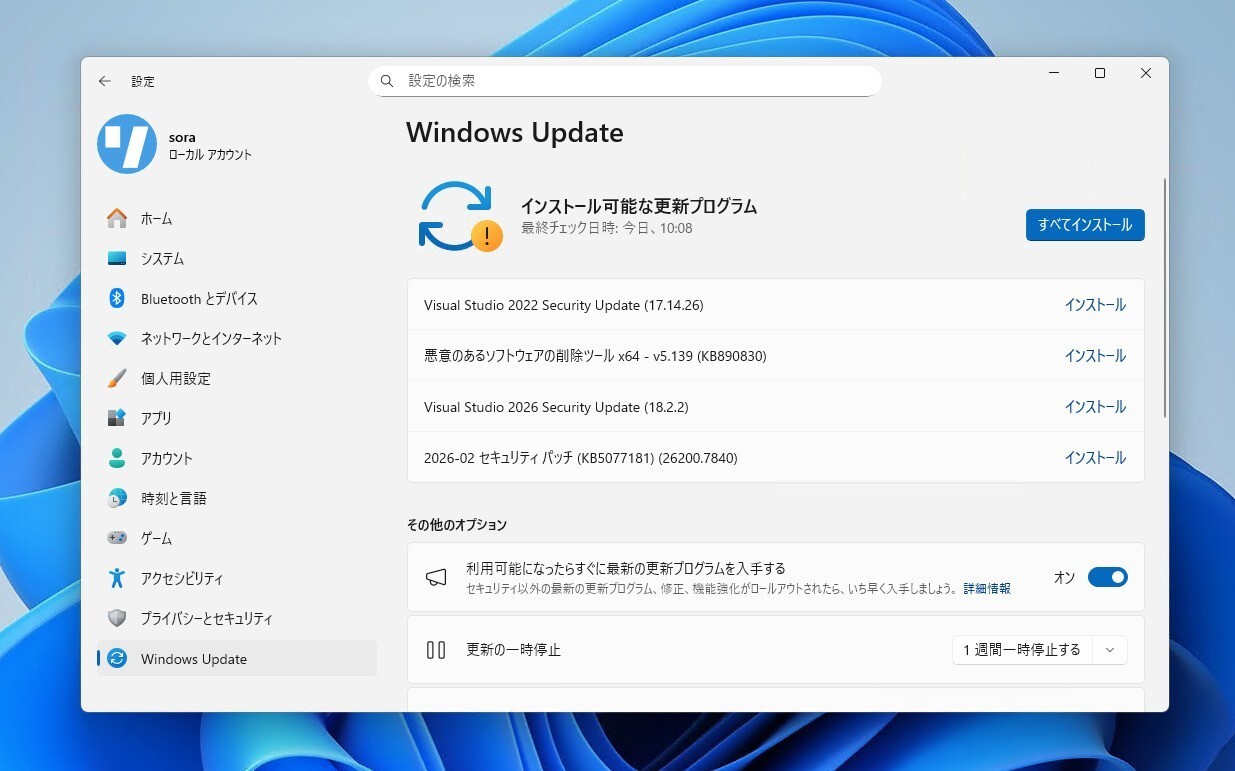
Microsoftは2月10日(現地時間)、毎月米国時間の第2火曜日に提供している月例更新の一環として、Windows 11 Version 25H2/24H2用の累積アップデートKB5077181と、Windows 11 Version 23H2用の累積アップデートKB5075941をリリースしました。
更新プログラムは主にシステムの品質を改善し、セキュリティ問題を修正するものです。
自動的にインストールされますが、Windows UpdateまたはMicrosoft Update Catalogを利用して手動でインストールすることもできます。
それぞれの変更点は以下の通りです(キュリティアップデートの内容は日本Microsoftのブログで参照できます)。
February 10, 2026—KB5077181 (OS Builds 26200.7840 and 26100.7840)
Windows 11 Version 25H2/24H2用の更新プログラムKB5077181では、1月13日に公開されたKB5074109の内容に加え、一部のデバイスがWPA3‑Personal Wi‑Fi ネットワークに接続できなくなる問題の修正や、フルスクリーンゲームに関連する問題の修正、Secure Bootに関連した改良が行われています。
リリースノートは以下の通りです。
改良と修正
[Gaming] Fixed: This update addresses an issue that determines device eligibility for the full-screen gaming experience.
[Networking] Fixed: This update addresses an issue that prevented some devices from connecting to certain WPA3‑Personal Wi‑Fi networks. The issue might occur after you install KB5074105.
[Secure Boot] With this update, Windows quality updates include a broad set of targeting data that identifies devices and their ability to receive new Secure Boot certificates. Devices will receive the new certificates only after they show sufficient successful update signals, which helps ensures a safe and phased rollout.
既知の不具合
更新プログラムには既知の不具合は存在しません。
更新プログラムはWindows Updateの他、Microsoft Update Catalog、Windows Server Update Services(WSUS)を利用してインストールすることができます。
February 10, 2026—KB5075941 (OS Build 22631.6649)
Windows 11 Version 23H2用の更新プログラムKB5075941では、1月13日に公開されたKB5073455の内容に加え、セキュアブートに関連した機能の改善や、DWMプロセスが予期せず再起動してしまう問題の修正、ファイルエクスプローラーでdesktop.iniを含むフォルダー名の変更が正しく動作しない問題の修正などが行われています。
リリースノートは以下の通りです。
改良と修正
[Secure Boot]
This release will execute updates in the Boot Manager on devices that already have the Windows UEFI CA 2023 certificate in their Secure Boot Signature Database (DB). It replaces the 2011 signed bootmgfw.efi with the 2023 signed bootmgfw.efi. Be advised of the consequences of resetting the DB or turning Secure Boot on or off, as this can cause a "Secure Boot violation" issue. In those rare cases, the solution is to create the Secure Boot recovery media.
With this update, Windows quality updates include a broad set of targeting data that identifies devices and their ability to receive new Secure Boot certificates. Devices will receive the new certificates only after they show sufficient successful update signals, which helps ensures a safe and phased rollout.
[Display & Graphics] Fixed: This update addresses an issue caused the Desktop Window Manager (DWM) process to re‑start unexpectedly.
[File Explorer] Fixed: This update addresses an issue where folder renaming with desktop.ini files in File Explorer isn't work correctly. The LocalizedResourceName setting is ignored, so custom folder names don't appear.
[Fonts & Display] Updates the Chinese fonts to support the GB18030‑2022A standard for character coverage and display.
[Graphics] Fixed: This update addresses an issue where certain GPU configurations might recently have experienced a system error related to dxgmms2.sys, resulting in the KERNEL_SECURITY_CHECK_FAILURE error.
[OS Security (known issue)] Fixed: After installing the Windows security update released on or after January 13, 2026, some PCs which run Virtual Secure Mode (VSM) are unable to shut down or enter hibernation. Instead, the device restarts.
[Windows Security] Fixed: This update addresses an issue that affected Microsoft Defender SmartScreen Application Reputation (AppRep) events from being logged. This interrupted event tracking used for advanced threat investigations.
[Secure Boot] With this update, Windows quality updates include a broad set of targeting data that identifies devices and their ability to receive new Secure Boot certificates. Devices will receive the new certificates only after they show sufficient successful update signals, which helps ensures a safe and phased rollout.
既知の不具合
更新プログラムには既知の不具合は存在しません。
更新プログラムはWindows Updateの他、Microsoft Update Catalog、Windows Server Update Services(WSUS)を利用してインストールすることができます。