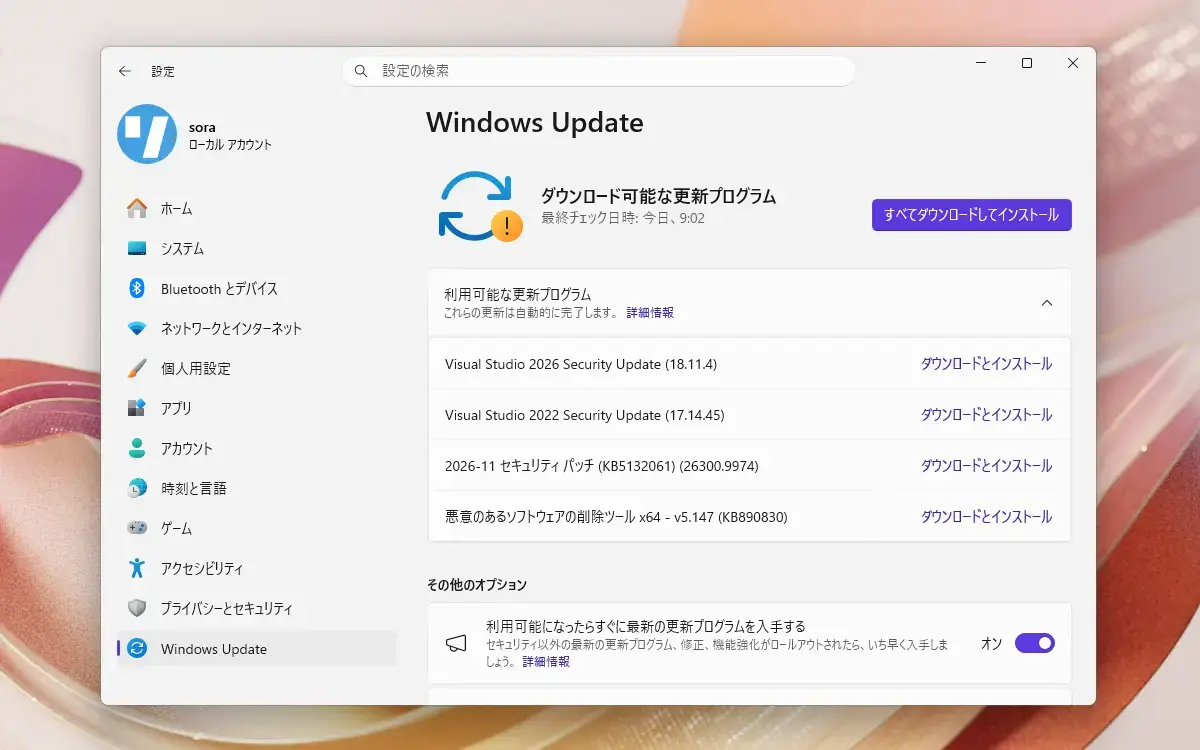
Microsoftは本日、毎月米国時間の第2火曜日に提供している月例更新の一環として、Windows 10の各バージョンに対する累積アップデートをそれぞれ公開しました。
- Windows 10 Version 20H2/21H1/21H2/22H2: KB5131096
- Windows 10 Version 1909: EOS
- Windows 10 Version 1903: EOS
- Windows 10 Version 1809: KB5131085
- Windows 10 version 1803: EOS
- Windows 10 version 1709: EOS
- Windows 10 version 1703: EOS
- Windows 10 version 1607: KB5131291
- Windows 10 Version 1511: EOS
- Windows 10 Version 1507: EOS
それぞれWindows UpdateまたはMicrosoft Update Catalogを利用して導入することが可能で、変更点は以下の通りです(セキュリティアップデートの内容は日本Microsoftのブログで参照できます)。
November 10, 2026—KB5131096 (OS Builds 19045.7846 and 19044.7846)
Windows 10 Version 22H2/21H2用の更新プログラムKB5131096では、10月26日に公開されたKB5134125、10月13日に公開されたKB5126657の内容に加え、キューバの夏時間(DST)ルール更新への対応や、プリンター関連の不具合修正、リモートデスクトップ関連の修正、PowerShellのセキュリティ強化が行われています。
リリースノートは以下の通りです。
改良と修正
[Date and Time] This update adjusts daylight saving time (DST) rules for Cuba for the extended 2026-2027 DST period. Cuba remains on UTC-04:00 and doesn't observe the November 2026 and March 2027 transitions. It returns to UTC-05:00 in November 2027 and resumes its regular seasonal schedule in 2028.
- For the latest DST and time zone guidance, see the Daylight Saving Time & Time Zone Blog.
[Printing] - Fixed: Adding a printer published in Active Directory through Settings > Bluetooth & devices > Printers & scanners > Add device might fail with error 87, "The parameter is incorrect." This issue was introduced by the October 2026 update and does not generally affect existing printers or printing.
[Remote Desktop]
- Fixed: The “Specify thumbprints of certificates representing trusted .rdp publishers” policy could not be configured successfully through Microsoft Intune.
- Fixed: Remote Desktop shadow connections might fail with an “Unspecified error” on Windows Server 2016 and Windows Server 2012 R2 after installing the October 14, 2026, update.
[Windows PowerShell] This update strengthens security for PowerShell script signing and signature verification by introducing stricter encoding validation. As a result, scripts containing invalid UTF-8 encoding might fail signature validation, even if they were previously accepted. To resolve this issue, review the affected scripts, save them using valid UTF-8 encoding with a byte order mark (BOM), and sign them again. For further guidance, see Encoding Guidance for Signed PowerShell Scripts.
[Security] This update improves NTLM security by enabling clients to offer NTLM message signing by default for non-anonymous connections. This change helps reduce exposure to NTLM relay attacks and provides auditing to identify connections that are not using signing. To learn more, see NTLM signing security improvements in Windows.
既知の不具合
更新プログラムには以下の1件の既知の不具合が存在します。
USB Audio Class 1.0 devices with error Code 10 or no outputSymptoms
After installing the September 8, 2026, Windows security update, some USB Audio Class 1.0 devices might fail to start or produce audio. Affected devices might experience one or more of the following symptoms:
- The device displays an error in Device Manager: "This device cannot start (Code 10).”
- No audio output.
- Volume controls are unresponsive or remain at zero.
- Sound settings are unresponsive or unavailable.
- Some devices might function in standard stereo configurations but fail when using multichannel audio features, including 8-channel or 3D audio modes. Some customers have reported that they're able to restore audio in these cases by switching to 2-channel mode.
This issue is limited to USB Audio Class 1.0 devices.
Resolution
The symptoms experienced on devices using 8-channel or 3D audio modes are addressed in the out-of-band (OOB) update released on September 14, 2026, (KB5129236). The remaining symptoms are addressed in (KB5131096).
更新プログラムはWindows Updateの他、Microsoft Update Catalog、Windows Server Update Services(WSUS)を利用してインストールすることができます。