Microsoftは2月3日(現地時間)、Windows 11のWindows Insider ProgramのDevチャンネル向けの最新ビルド「Windows 11 Insider Preview Build 26300.7733(KB5074178)」をリリースしました(Windows Blog)。
Devチャンネルで公開されるビルドは、将来の機能アップデートで追加される可能性のある、さまざまな新機能が先行して実装されています。特定のリリースとは直接結びつけられておらず、ビルドに含まれる新機能や改善点は、準備が整い次第、将来のWindowsリリースに反映される可能性があります。
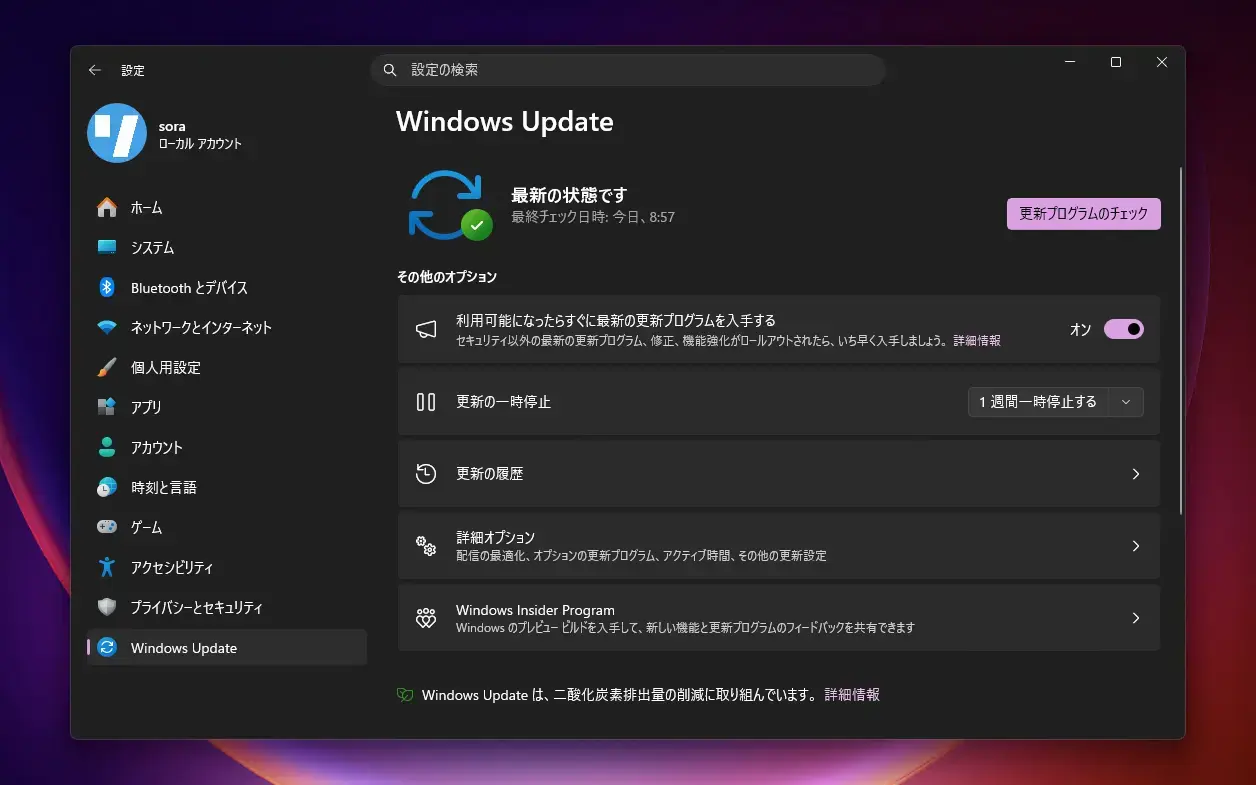
Windows Insider Programの更新オプションでDevチャンネルを選択し、Windows 11のプレビュー版を使用しているユーザーは、Windows Updateを利用して最新版に更新することができます。
Build 26300.7733の新機能
Build 26300.7733では、長年Sysinternalsツールとして提供されてきた Sysmon(System Monitor)が、ついに Windowsに標準搭載されました。脅威検知やイベント監視に活用できる高度なログ機能を搭載し、カスタム設定ファイルで監視対象を柔軟に制御することができます。標準では無効化されていて、設定画面またはPowerShellから有効化する必要があります。
その他、ファイルエクスプローラーやクラウドストレージ関連の不具合も修正されています。
リリースノートは以下の通りです。
Changes and Improvements gradually being rolled out with toggle on*
[Built-in Sysmon]
Previously announced here, Windows now brings Sysmon functionality natively to Windows. Sysmon functionality allows you to capture system events that can help with threat detection, and you can use custom configuration files to filter the events you want to monitor. The captured events are written on the Windows event log, enabling them to be used with security applications and a wide range of use cases.
Built-in Sysmon is disabled by default and must be explicitly enabled.
- Go to Settings > System > Optional features > More Windows features > checking Sysmon or in PowerShell or command prompt:
- To complete the installation, from PowerShell or command prompt run:
Note: If you’ve already installed Sysmon from the website, it must be uninstalled before enabling the built-in Sysmon.
Documentation will be added to Windows soon. The functionality of Sysmon remains unchanged, learn more https://learn.microsoft.com/sysinternals/downloads/sysmon.
Share feedback at syssite@microsoft.com.
[Voice Access]
- Support for the Netherlands locale has been added.
Fixes gradually being rolled out with toggle on*
[File Explorer]
- We fixed a few issues in File Explorer, including accessibility improvements (keyboard navigation and access keys), folder renaming with custom names, and missing icons/tooltips for “Add to favorites”.
[Other]
- We fixed an issue that caused apps to freeze when working with files on OneDrive or Dropbox. Some Outlook setups with PSTs on OneDrive could also hang or reload email data.
公式ブログには細かな変更内容がリストアップされていますので、インストールする前に確認することをおすすめします。