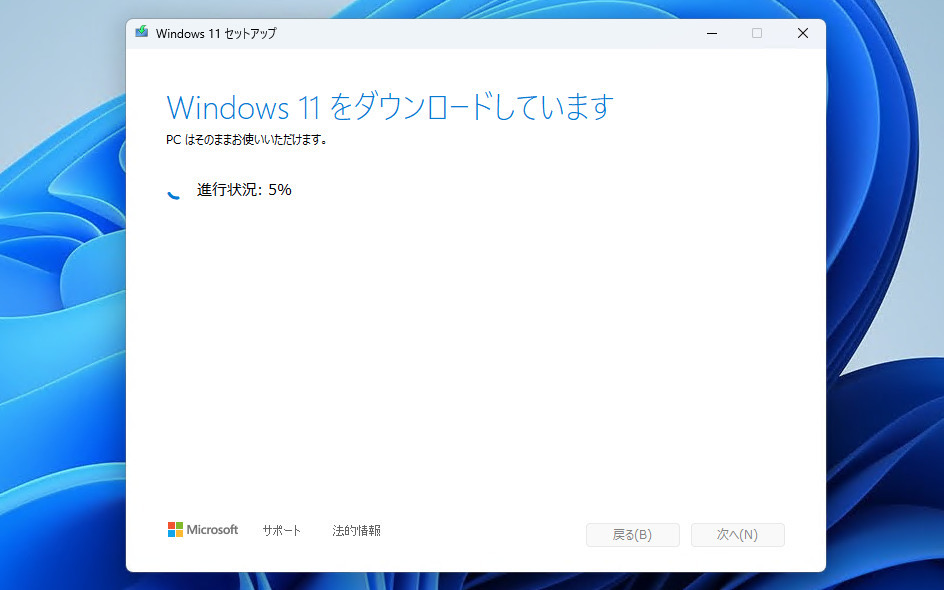
Microsoftは2月17日(現地時間)、Windows 11のWindows Insider ProgramのBetaチャンネル向けの最新ビルド「Windows 11 Insider Preview Build 26220.7859(KB5077223)」をリリースしました(Windows Blog)。
Windows 11 Version 25でBetaチャンネルを使用しているWindows Insidersは、有効化パッケージ(Build 26220.xxxx)を介してWindows 11 Version 25H2に基づくアップデートを受け取ります。
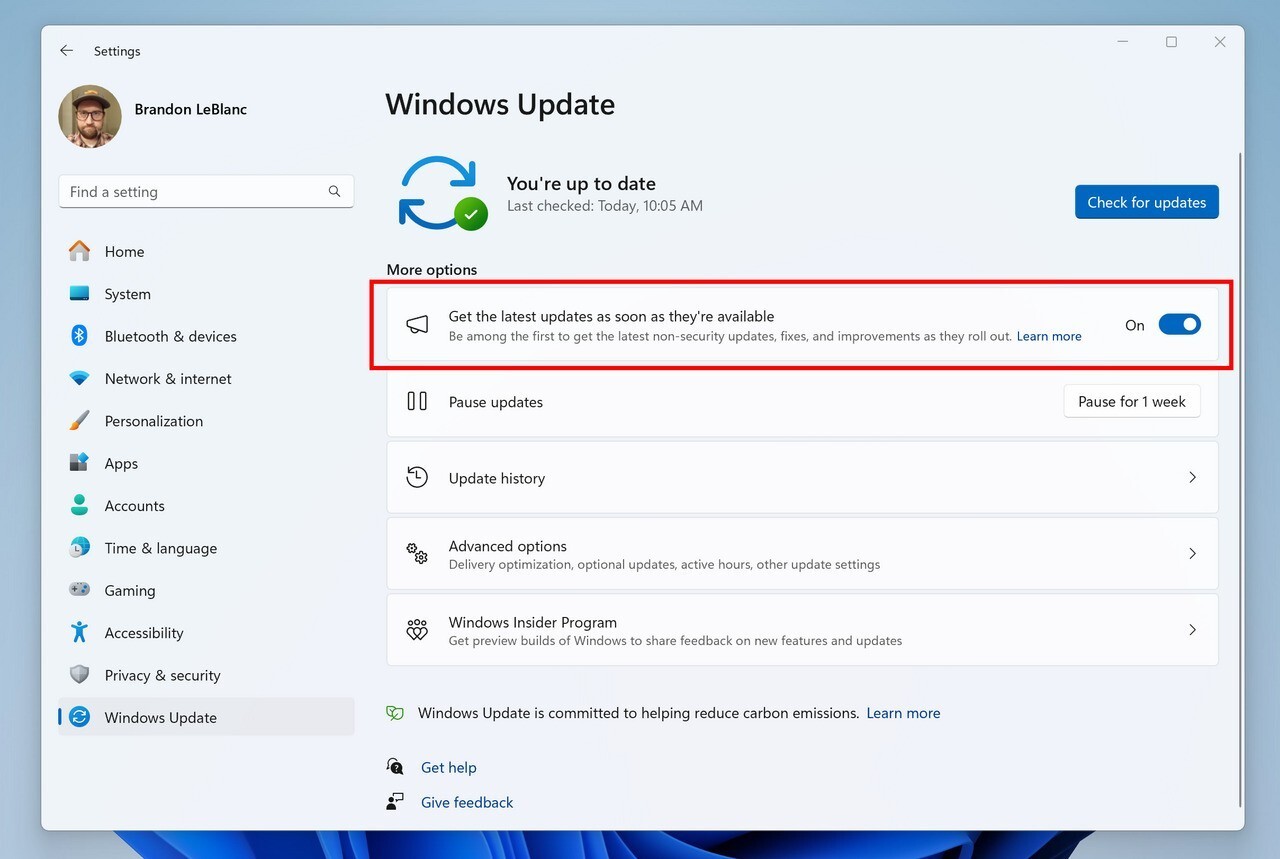
新機能をいち早く使用したい場合、Windows Updateの設定画面で「利用可能になったらすぐに最新の更新プログラムを入手する」をオンに変更します。
Build 26220.7859の新機能
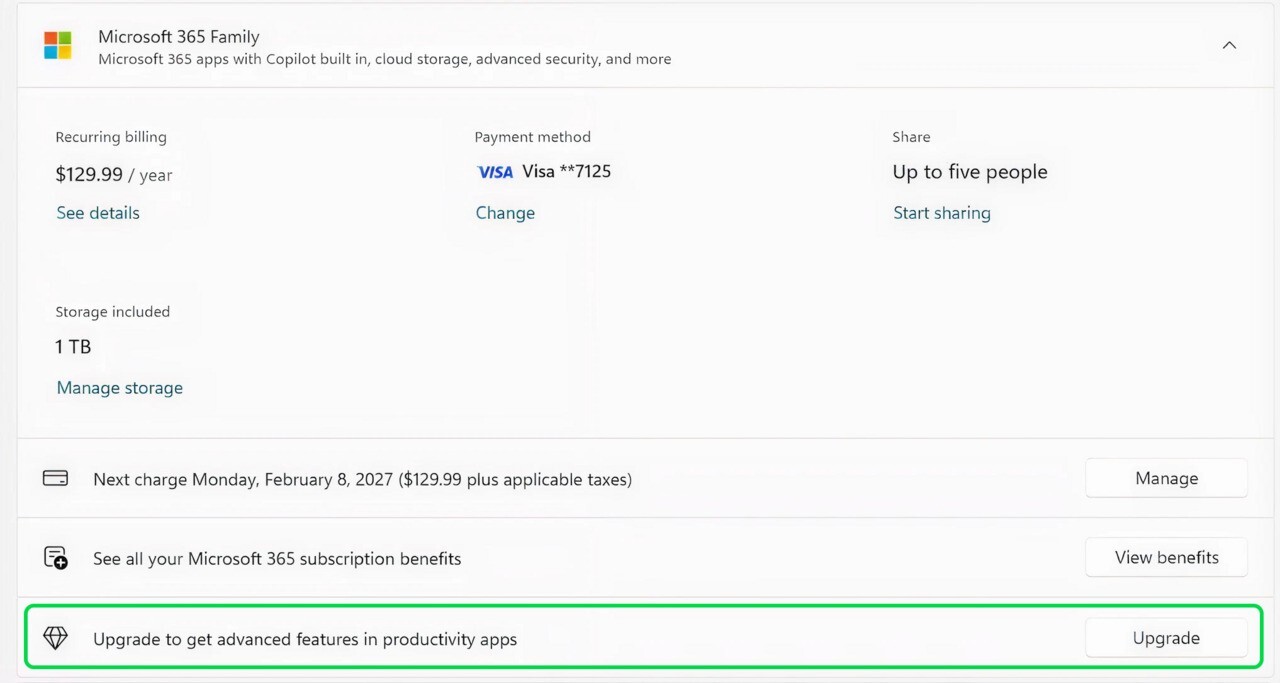
Build 26220.7859では、設定の「アカウント」ページに、Microsoft 365 Family向けのアップグレード案内が追加されています。また、タスクバー、エクスプローラー、近距離共有に関する改良や安定性の向上が行われています。
New features gradually being rolled out with toggle on*
[Account Settings]
Microsoft 365 Family subscribers will find an option to upgrade to a different 365 plan on the Accounts page within the Settings app. Users can also remove the upgrade option by turning off suggested content in settings.
Feedback: Share your thoughts in Feedback Hub (WIN + F) under Settings > Settings Homepage.
Changes and Improvements gradually being rolled out with toggle on*
[Taskbar]
- Improved reliability of showing app icons in the system tray when the taskbar was set to autohide.
[File Explorer]
- Addressed an issue where all File Explorer open windows and tabs might unexpectedly jump to Desktop or Home.
[Nearby Sharing]
- Improved the reliability of sending larger files using nearby sharing.
[Settings]
- Improved reliability of configuring options in Settings > Bluetooth & Devices > Wheel.
公式ブログには細かな変更内容がリストアップされていますので、インストールする前に確認することをおすすめします。