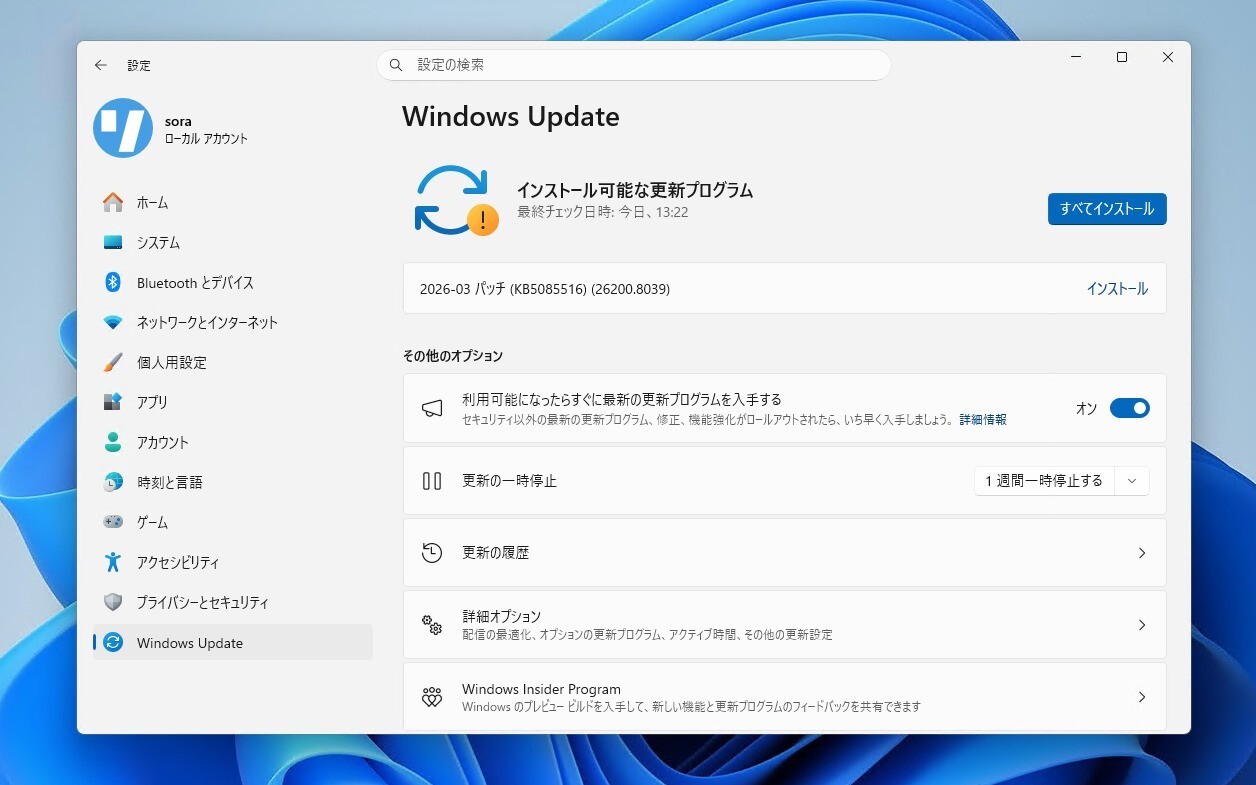
Microsoftは2月9日(現地時間)、Windows 11のWindows Insider ProgramのDevチャンネル向けの最新ビルド「Windows 11 Insider Preview Build 26300.7760(KB5077202)」をリリースしました(Windows Blog)。
Devチャンネルで公開されるビルドは、将来の機能アップデートで追加される可能性のある、さまざまな新機能が先行して実装されています。特定のリリースとは直接結びつけられておらず、ビルドに含まれる新機能や改善点は、準備が整い次第、将来のWindowsリリースに反映される可能性があります。
Windows Insider Programの更新オプションでDevチャンネルを選択し、Windows 11のプレビュー版を使用しているユーザーは、Windows Updateを利用して最新版に更新することができます。
Build 26300.7760の新機能
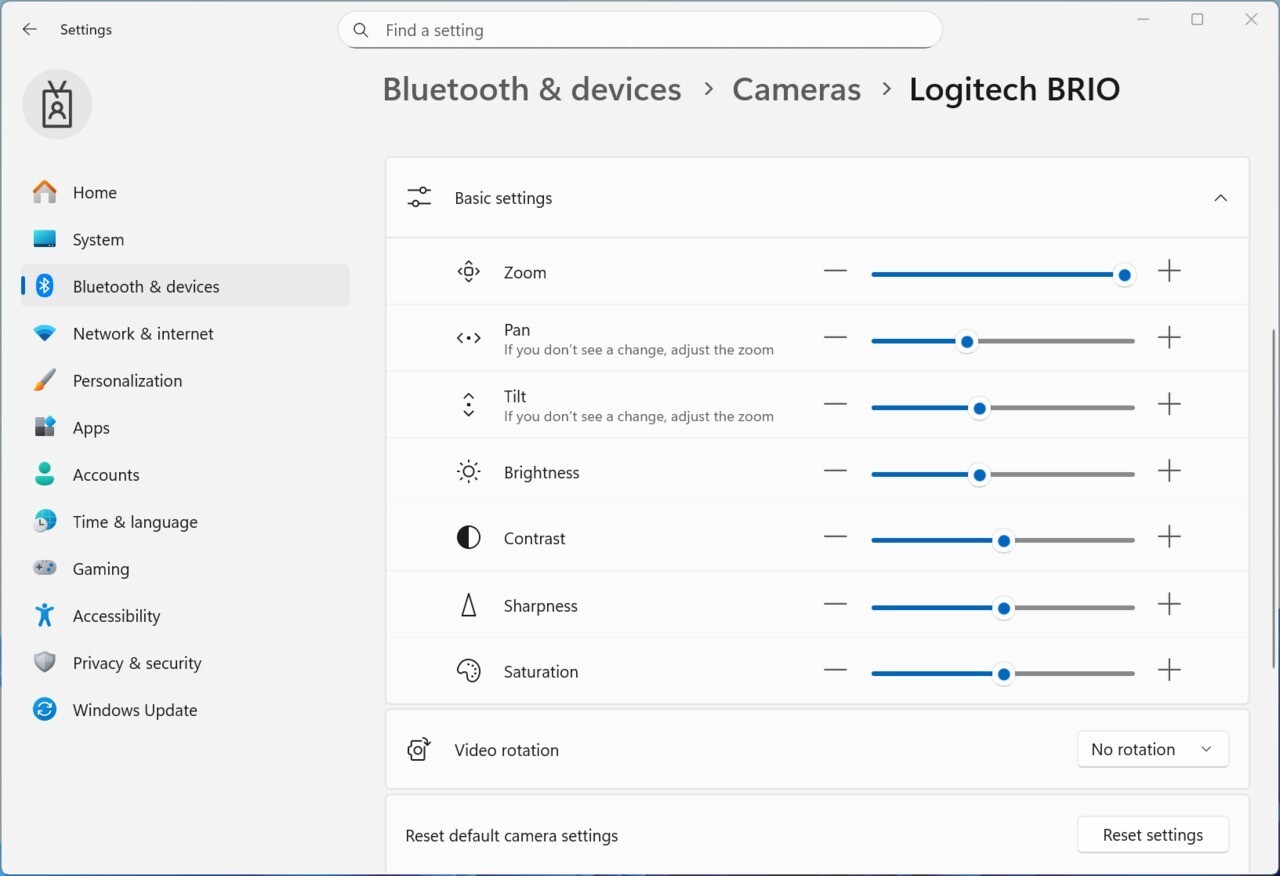
Build 26300.7760では、Emoji 16.0の導入や、カメラ設定の強化(対応したカメラはパン・チルト操作を直接制御できるように)などの変更が行われています。
リリースノートは以下の通りです。
New features gradually being rolled out with toggle on*
[Emoji 16.0]
We’re starting to roll Emoji 16.0 back to Insiders.
The Emoji 16.0 release introduces a small but thoughtfully curated set of new emojis—one from each major category—designed to resonate across cultures and contexts. With this build, you will see these new emoji available in the emoji panel.
Feedback: Share your thoughts in Feedback Hub (WIN + F) under Input and Language > Emoji panel.
[Camera Settings]
We are adding the option to directly control pan and tilt for supported cameras in the Settings app. These new controls appear in the camera settings page (Settings > Devices & drivers > Cameras) under the “Basic settings” of your selected camera.
Feedback: Share your thoughts in Feedback Hub (WIN + F) under Devices and Drivers > Device Camera or Webcams.
Changes and Improvements gradually being rolled out with toggle on*
[General]
- Improved the visual experience and performance for several scenarios including at the bottom of the screen when the taskbar is set to autohide, desktop icons unexpected flashing (and decreased performance interacting with your PC), and Windows Security pop up for credentials.

公式ブログには細かな変更内容がリストアップされていますので、インストールする前に確認することをおすすめします。