Microsoftは3月20日(現地時間)、Windows 11のWindows Insider ProgramのDevチャンネル向けの最新ビルド「Windows 11 Insider Preview Build 26300.8085」をリリースしました(Windows Blog)。
Devチャンネルで公開されるビルドは、将来の機能アップデートで追加される可能性のある、さまざまな新機能が先行して実装されています。特定のリリースとは直接結びつけられておらず、ビルドに含まれる新機能や改善点は、準備が整い次第、将来のWindowsリリースに反映される可能性があります。
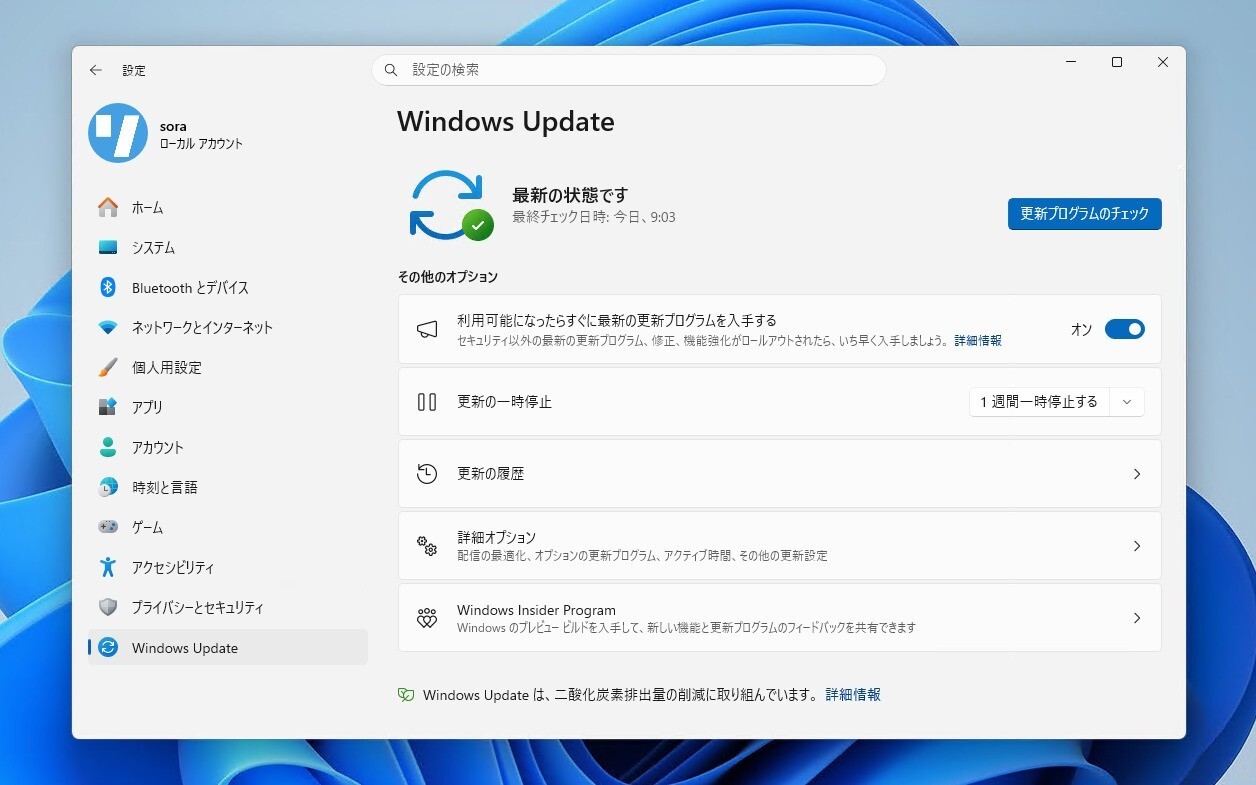
Windows Insider Programの更新オプションでDevチャンネルを選択し、Windows 11のプレビュー版を使用しているユーザーは、Windows Updateを利用して最新版に更新することができます。
Build 26300.8085の新機能
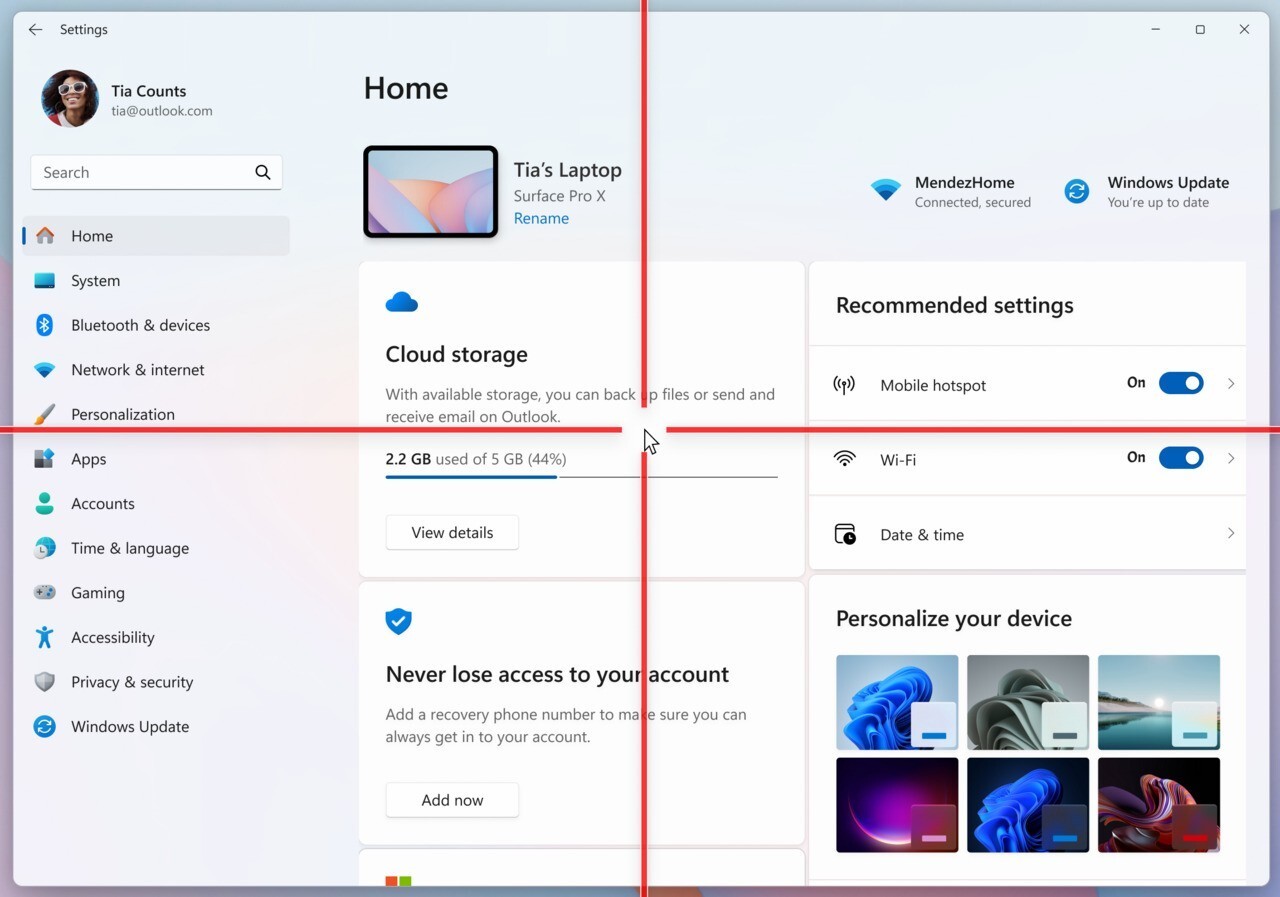
Build 26300.8085では、アクセシビリティ機能として、マウスポインターの位置を強調表示する「ポインターインジケーター」機能の展開が再会されました。拡大鏡アプリの改善や、新しいFeedback Hubの導入も行われています。
Changes and Improvements gradually being rolled out with toggle on*
[Pointer Indicator: Accessibility setting for low vision Windows users]
We are resuming the rollout of the Point Indicator Accessibility setting. This feature enables low vision users on Windows to easily locate and use their cursor to increase productivity and efficiency when using a Windows device.
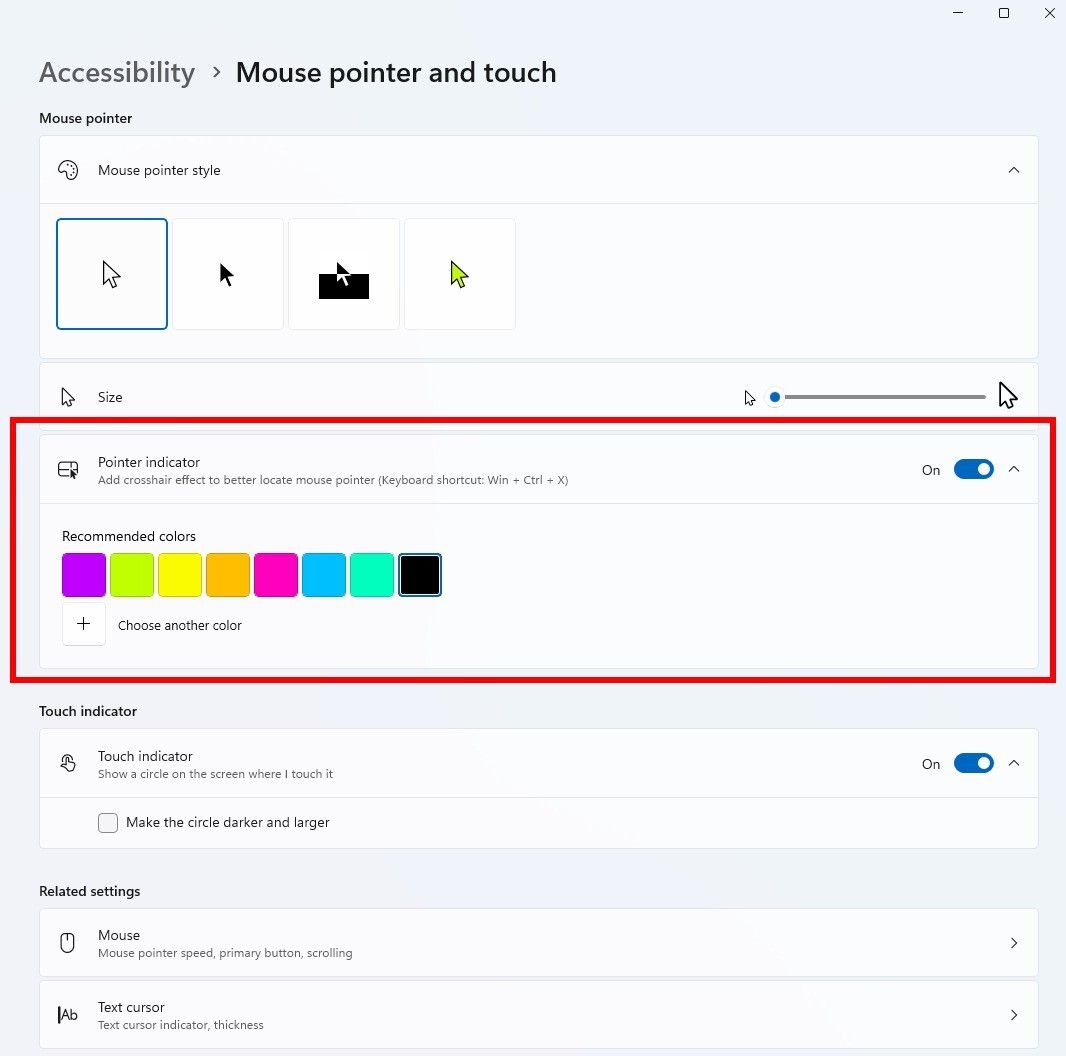
To enable this experience, go to Settings > Accessibility > Mouse pointer and touch and enable the Pointer indicator setting. You can also search for the setting by name. When the setting is enabled, you can toggle it on/off with the keyboard shortcut, Win + Ctrl + Shift + X.
We welcome your feedback about the cursor and crosshair experience with this accessibility setting.
FEEDBACK: Please file feedback in Feedback Hub (WIN + F) under Accessibility > Accessibility Settings.
[Windows Magnifier]
- Windows magnifier can now magnify protected content.
[Network and Sharing]
- We fixed an issue where the Network and Sharing Center could incorrectly display two active Wi-Fi connections after switching from one Wi-Fi network to another. The Network and Sharing Center now correctly reflects a single active Wi-Fi connection when you connect to a new network.
[Input]
- Improved explorer.exe reliability when closing the input flyout.
- Improved reliability of configuring fluid dictation option in voice typing (Windows key plus H) settings.
[Feedback Hub]
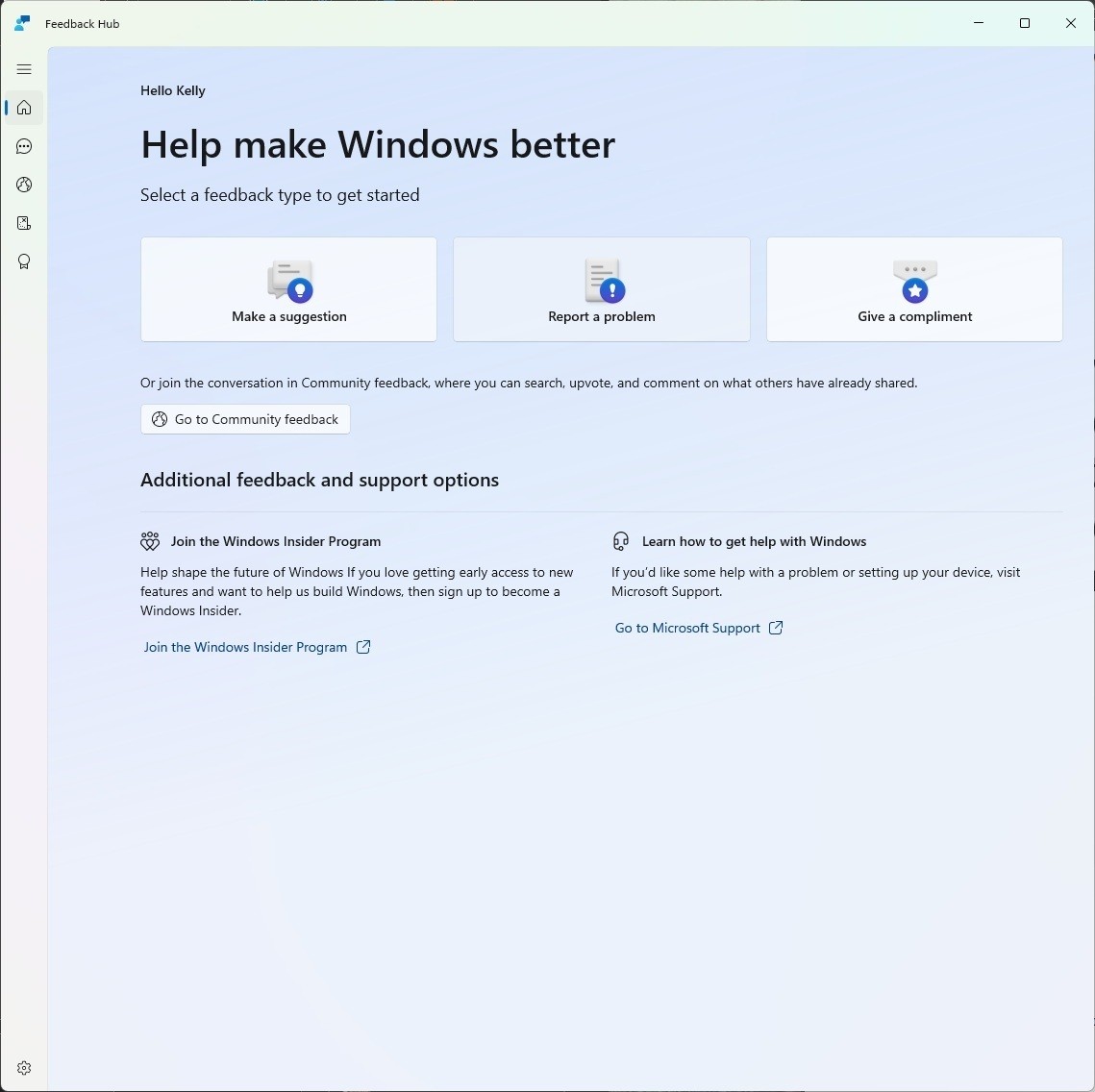
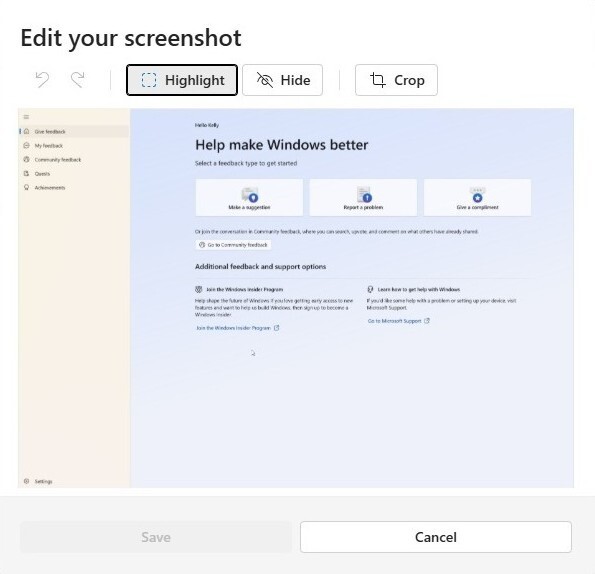
Introducing the new Feedback Hub, bringing a refreshed, modernized experience available as an app update today for Insiders in Dev and Canary.
What’s new in Feedback Hub
- Simpler feedback submission flow: Feedback is now submitted using a single unified template, with the added ability to search categories. The feedback form itself has been modernized enabling for faster iteration and future improvements.
- Simpler navigation: My Feedback now lives directly in the navigation pane, and Community feedback (formerly All feedback) makes it easier to discover and engage with feedback from others. The Announcements page has been removed to focus more on giving and exploring feedback. You can still find announcements on the Windows Insider Blog.
- New compliment feedback type: Call out what’s working well.
- Private or public feedback: Choose whether your feedback is visible to the Insider community.
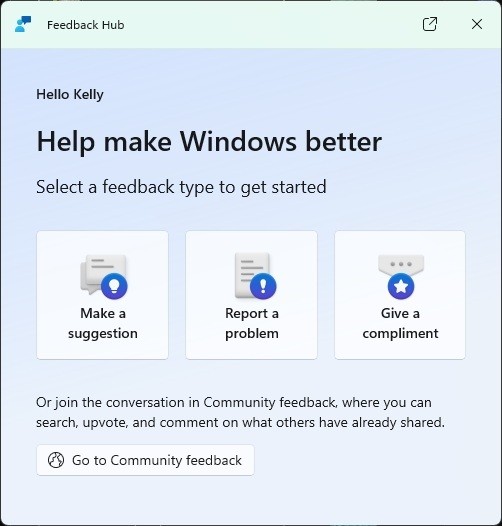
- New focused feedback experience: a new smaller Feedback Hub surface, making it easier to provide quick, in-the-moment feedback. You can expand to the full Feedback Hub experience by pressing the button in the upper right corner.
- Improved screenshot capture and review tooling: making it easier to capture and include visuals when sharing feedback.
Feedback: Your feedback helps shape what comes next, so try out the new experience and share your thoughts in Feedback Hub (WIN + F) under Apps > Feedback Hub.
公式ブログには細かな変更内容がリストアップされていますので、インストールする前に確認することをおすすめします。