Microsoftは3月30日(現地時間)、Windows 11のWindows Insider ProgramのDevチャンネル向けの最新ビルド「Windows 11 Insider Preview Build 26300.8142」をリリースしました(Windows Blog)。
Devチャンネルで公開されるビルドは、将来の機能アップデートで追加される可能性のある、さまざまな新機能が先行して実装されています。特定のリリースとは直接結びつけられておらず、ビルドに含まれる新機能や改善点は、準備が整い次第、将来のWindowsリリースに反映される可能性があります。
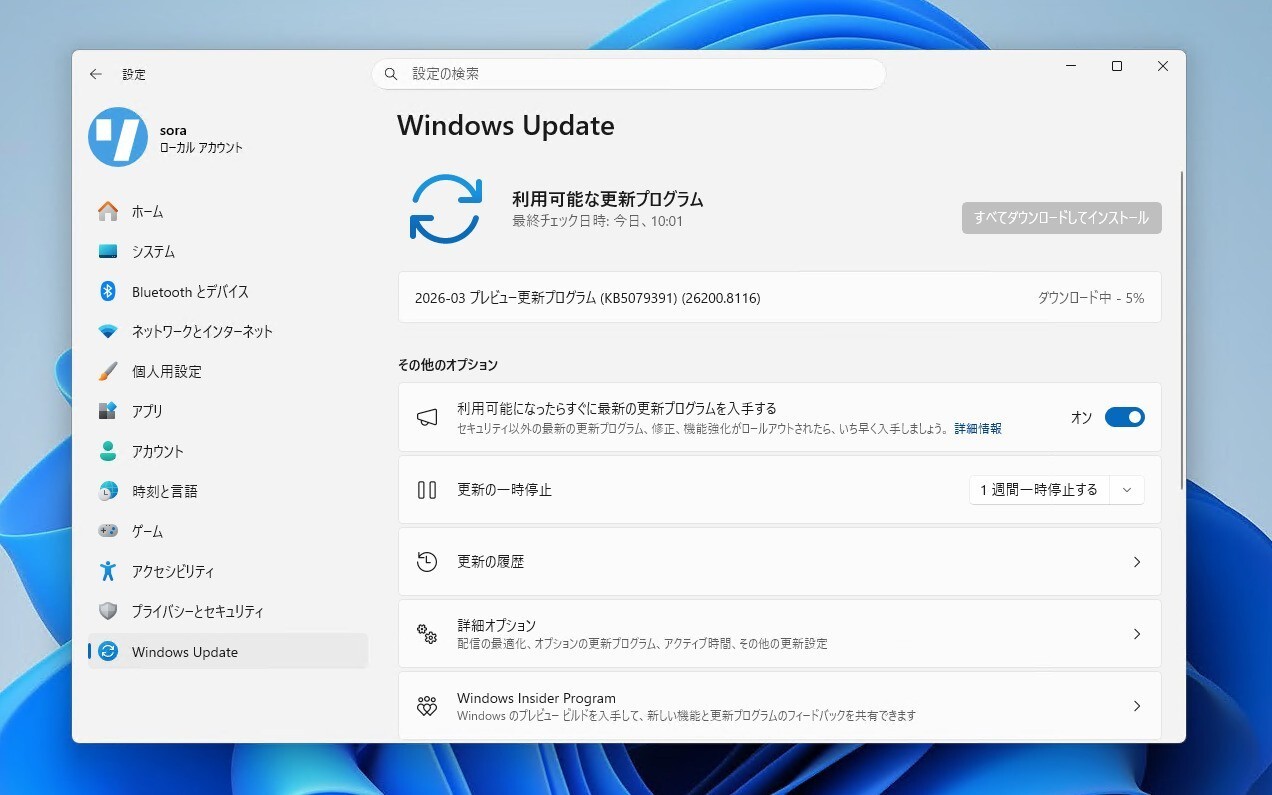
Windows Insider Programの更新オプションでDevチャンネルを選択し、Windows 11のプレビュー版を使用しているユーザーは、Windows Updateを利用して最新版に更新することができます。
Build 26300.8142の新機能
Build 26300.8142では、IT管理者向けに段階的に展開されていたAdministrator Protectionが、一般ユーザーでも設定から有効化できるようになりました。タッチパッドの右クリック領域を細かく調整できる機能の追加や、タスクマネージャーでNPUをより詳細に可視化できる機能も追加されています。
リリースノートは以下の通りです。
Changes and Improvements gradually being rolled out with toggle on*
[Administrator Protection]
- After resuming the rollout of Administrator Protection as enabled by IT admins, we are also now rolling out the ability to enable Administrator Protection in Settings under Privacy & security > Windows Security > Account protection and switching the toggle to on. A restart will be required.
[Touchpad]
- We’re adding a new setting in Settings > Bluetooth & Devices > Touchpad so you can choose how large the right-click zone size is (this is the portion in the bottom-right of your touchpad where pressing a single finger will result in a right-click), between default, small, medium, and large. Note – this setting only appears for touchpads that have a pressable surface for this. Some manufacturers may provide customization for this in their own apps – if you’ve customized your setting using an app like this, a “Custom” entry will be added to the dropdown, which preserves that value.
Feedback: Share your thoughts in Feedback Hub (WIN + F) under Input and Language > Touchpad.
[Task Manager]
We’re making a few improvements to Task Manager:
- We’re updating Task Manager to provide better insight into NPU usage for PCs that include an NPU. New optional NPU and NPU Engine columns are now available on the Processes, Users, and Details pages. The Details page also adds NPU Dedicated Memory and NPU Shared Memory optional columns to give you deeper visibility into how workloads are using NPU resources. Additionally, if there are neural engines that are part of a GPU, they will now appear on the Performance page, providing a more complete view of AI‑related system activity.
- We’re also adding a new optional Isolation column to the Processes and Details pages, allowing you to see which apps are running in an AppContainer.
Once these changes are available to you, you can add any of the new columns by right‑clicking a column header in Task Manager and selecting them from the menu.
Feedback: Share your thoughts in Feedback Hub (WIN + F) under Desktop Environment > Task Manager.
[Windows Protected Print Mode]
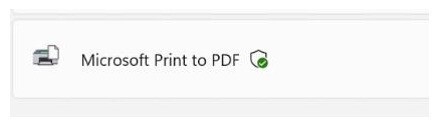
- We are adding a new icon to show where a printer supports Windows Protected Print Mode in print settings.
[Accessibility]
- Addressed an issue impacting the use of Braille for Insiders in the last few flights.
公式ブログには細かな変更内容がリストアップされていますので、インストールする前に確認することをおすすめします。