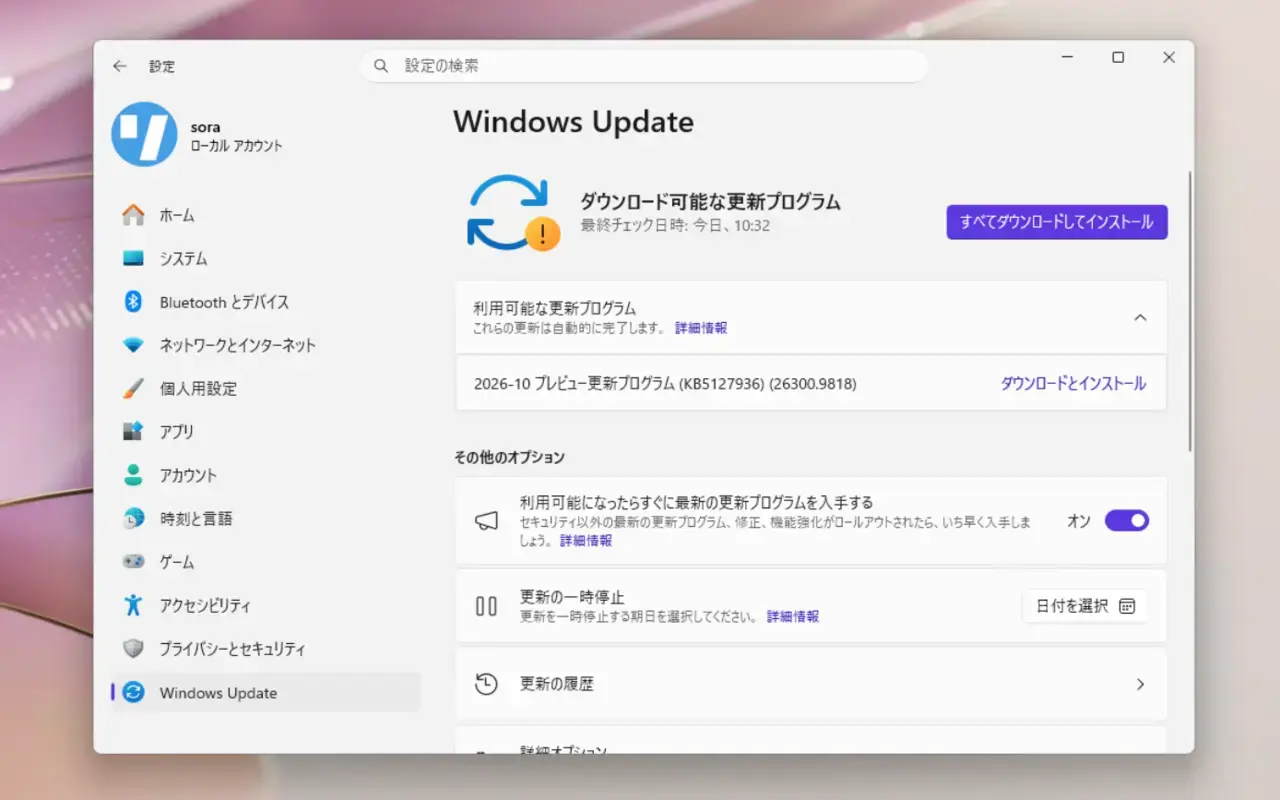
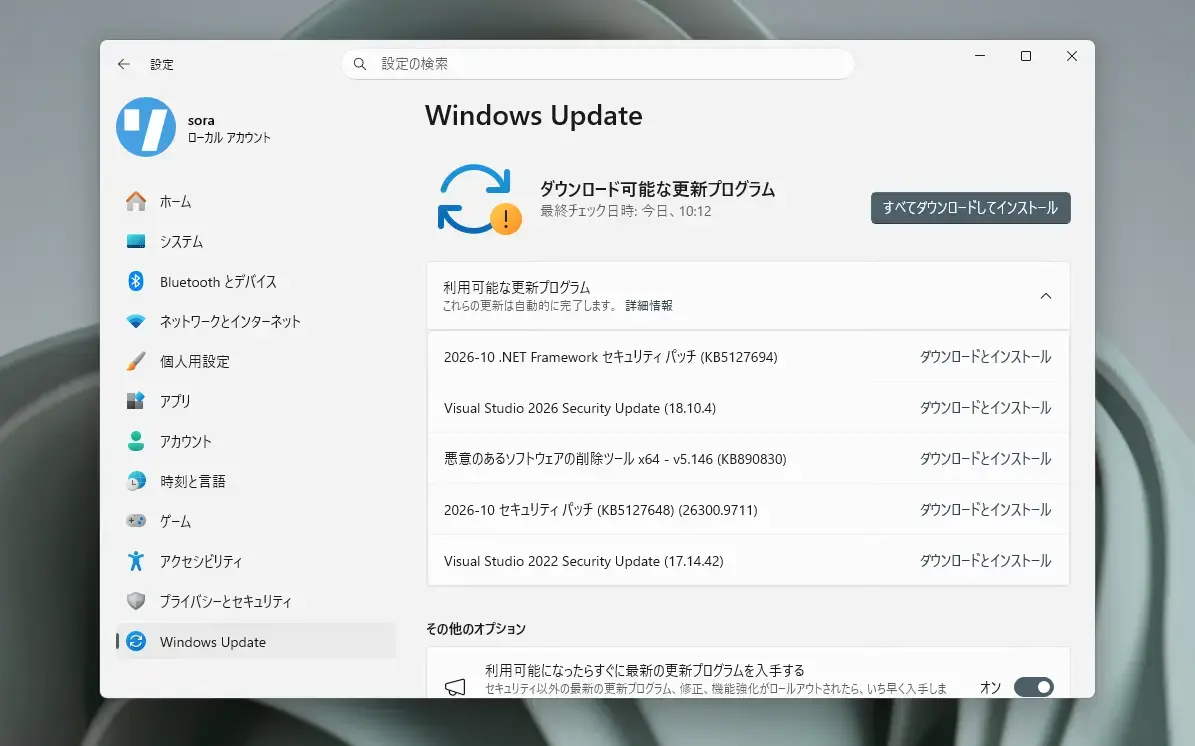
Microsoftは10月13日(現地時間)、毎月米国時間の第2火曜日に提供している月例更新の一環として、Windows 11 Version 26H2/25H2/24H2用の累積アップデートKB5127648をリリースしました。
更新プログラムは主にシステムの品質を改善し、セキュリティ問題を修正するものです。
自動的にインストールされますが、Windows UpdateまたはMicrosoft Update Catalogを利用して手動でインストールすることもできます。
それぞれの変更点は以下の通りです(キュリティアップデートの内容は日本Microsoftのブログで参照できます)。
October 13, 2026—KB5127648 (OS Builds 26300.9711, 26200.9711 and 26100.9711)
Windows 11 Version 26H2/25H2/24H2用の更新プログラムKB5127648では、エクスプローラーがクラッシュしたり画面が真っ黒になる問題の修正、一部アプリでAC-3音声の再生が正常に行えない問題の修正、Always On VPNの接続失敗の修正、印刷不具合の修正など、さまざまな不具合が修正されています。
リリースノートは以下の通りです。
改良と修正
[Security updates] This update provides security improvements. For more information about the security vulnerabilities resolved by this update, see the Security Update Guide.
[Secure Boot] This update continues the deployment of updated Secure Boot certificates using the latest high-confidence targeting data to identify eligible devices that are ready to automatically receive the new certificates. Deployment through Windows Update remains ongoing across supported devices.
[Windows Explorer (Known issue)] Fixed This update fixes an issue that affects Windows Explorer in multi-user environments, such as Azure Virtual Desktop and FSLogix. After sign-in, Explorer.exe might fail to start or repeatedly crash, causing a black screen.
[Audio (known issue)] Fixed This update fixes an issue that affects AC-3 audio playback in some applications.
[Always On VPN] This update fixes an issue that affects Always On VPN connections after installing KB5124008. When automatic protocol selection or protocol fallback was configured, affected VPN connections could remain stuck in a Connecting state or fail to connect after an initial connection attempt failed. In some cases, subsequent connection attempts could display the error, "The specified port is already in use."
[Storage Spaces] This update fixes an issue that affects tiered Storage Spaces Direct virtual disks. Some virtual disks might fail to come online after installing certain security updates, making dependent clustered workloads unavailable.
[Date and Time] This update introduces the new (UTC-05:00) Manitoba time zone to support Manitoba’s November 1, 2026, time zone change.
[ReFS security] This update adds auditing and optional policy controls for ReFS volumes on externally attached storage devices. Auditing is enabled by default, while enforcement controls remain disabled by default to give administrators time to evaluate and prepare for future security hardening changes. To learn more, see KB5130741.
[Printing] This update resolves an issue where printing could fail in some applications and on devices using RAW or Generic Text Only printer drivers after installing the August 2026 security update.
[Gaming] This update fixes an issue that could cause mouse input to stutter in some games.
[Windows Hello] This update fixes an issue where fingerprint sign-in might not work after a cold boot on some devices.
既知の不具合
更新プログラムには以下の1件の既知の不具合が存在します。
USB audio devices might fail to start or produce no soundSymptoms
After installing the September 8, 2026, Windows security update (KB5124012), some USB Audio Class 1.0 devices might fail to start or produce audio. Affected devices might experience one or more of the following symptoms:
The device displays an error in Device Manager: "This device cannot start (Code 10).”
No audio output.
Volume controls are unresponsive or remain at zero.
Sound settings are unresponsive or unavailable.
Some devices might function in standard stereo configurations but fail when using multichannel audio features, including 8-channel or 3D audio modes. Some customers have reported that they're able to restore audio in these cases by switching to 2-channel mode.
This issue is limited to USB Audio Class 1.0 devices.
Resolution
This issue is partially resolved in the out-of-band (OOB) update released on September 14, 2026, (KB5129195). This OOB update resolves the symptoms experienced on devices using 8-channel or 3D audio modes. Microsoft is working to address the other symptoms and will provide more information when it is available.
IT administrators who need an immediate workaround for the symptoms not addressed yet by the OOB update should contact Microsoft Support for Business for assistance.
更新プログラムはWindows Updateの他、Microsoft Update Catalog、Windows Server Update Services(WSUS)を利用してインストールすることができます。