Microsoftは1月27日(現地時間)、Windows 11のWindows Insider ProgramのBetaチャンネル向けの最新ビルド「Windows 11 Insider Preview Build 26220.7670(KB5074169)」をリリースしました(Windows Blog)。
Windows 11 Version 25H2でBetaチャンネルを使用しているWindows Insidersは、有効化パッケージ(Build 26220.xxxx)を介してWindows 11 Version 25H2に基づくアップデートを受け取ります。
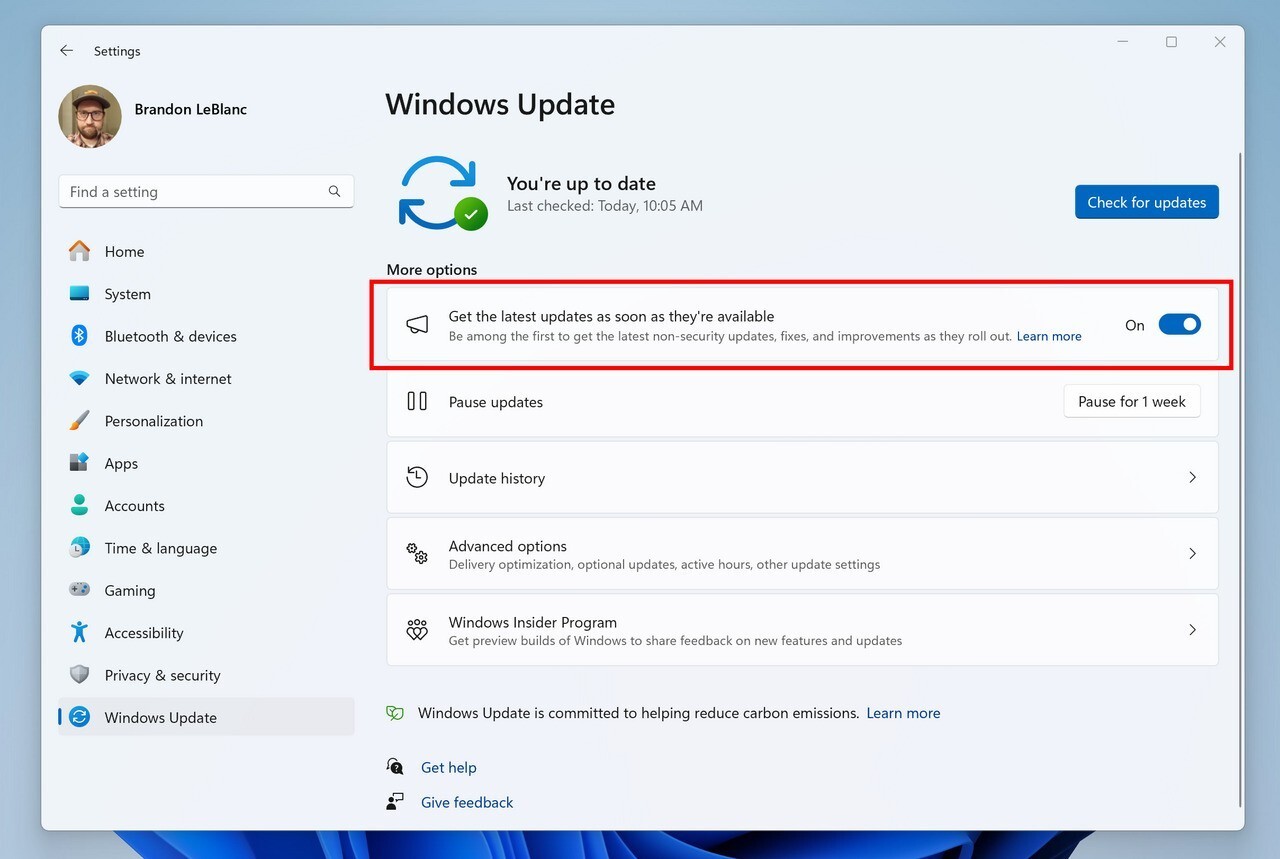
新機能をいち早く使用したい場合、Windows Updateの設定画面で「利用可能になったらすぐに最新の更新プログラムを入手する」をオンに変更します。
Build 26220.7670の新機能
Build 26220.7670では、ファイルエクスプローラーでZIP以外のアーカイブ閲覧時に「すべて展開」が表示されない問題の修正が行われています。また、スタートメニューや検索、設定の細かな不具合の修正が行われています。
リリースノートは以下の通りです。
Fixes gradually being rolled out with toggle on*
[File Explorer]
- Fixed an issue where the “Extract All” option would not appear in the command bar while browsing non-ZIP archive folders.
[Start menu]
- Fixed an issue for some Insiders where clicking the “hide this pane” button in the mobile device side panel might not lead to the setting to hide it.
[Search]
- Fixed an issue where the Search process was showing an icon with an X instead of a magnifying glass.
[Settings]
- We’ve made some underlying changes to help address cases where the Settings Home page might be very slow to load.
[Display & Graphics]
- Fixed an issue causing secondary monitors to not display correctly and show black screens after the latest updates for a small number of Insiders.
[Other]
- Fixed an underlying issue in the previous flight which could cause unexpected sign-in failures when using Azure Virtual Desktop and Windows 365.
- Fixed an issue causing some Insiders to see a bug check with error SYSTEM_SERVICE_EXCEPTION after the last few flights.
Known issues
[Start menu]
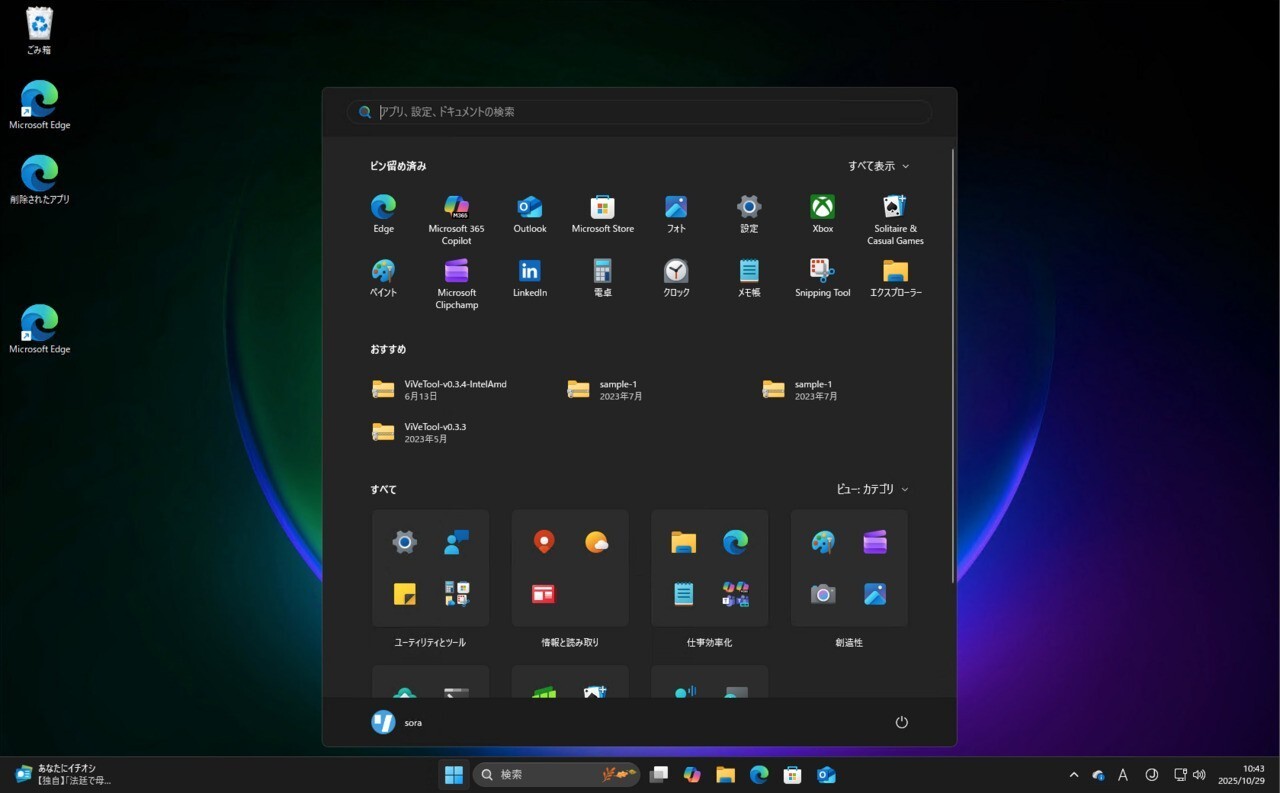
- [NEW] We’re working on the fix for an issue where when using the Start menu in Categories view, clicking the entry to show more apps in the category might not work.
[File Explorer]
- [NEW] We’re working on the fix for an underlying issue causing all open File Explorer windows and tabs to unexpectedly jump to Desktop or Home sometimes.
[Xbox full screen experience for PC]
- Some apps may behave unexpectedly when using FSE, particularly those that expect to be locked to a given size or launch additional windows.
[Taskbar & System Tray]
- We’re working on the fix for an issue where for some Insiders apps aren’t showing in the system tray when they should be.
[Click to Do]
- We’re working on the fix for an issue where the Microsoft 365 Copilot prompt box on selected images does not function if the Microsoft 365 Copilot app is not running.
公式ブログには細かな変更内容がリストアップされていますので、インストールする前に確認することをおすすめします。