Microsoftは3月13日(現地時間)、Windows 11のWindows Insider ProgramのCanaryチャンネル向けの最新ビルド「Windows 11 Insider Preview Build 28020.1737」をリリースしました(Windows Blog)。
Canaryチャンネルで公開されるビルドは、将来の機能アップデートで追加される可能性のある、さまざまな新機能が先行して実装されています。プレビューチャンネルの中で最も不安定な可能性があり、提供されるドキュメントも限定的なものとなっています(例えば既知の不具合は掲載されないなど)。
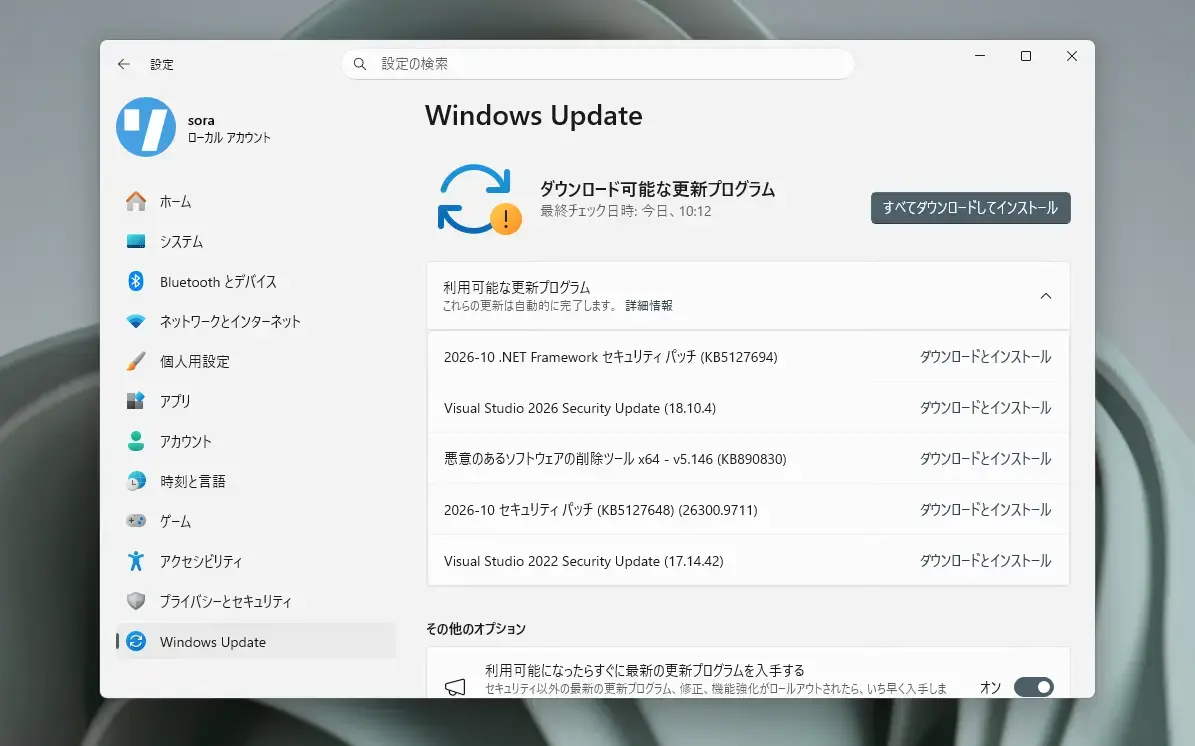
Windows Insider Programの更新オプションでCanaryチャンネルを選択し、Windows 11のプレビュー版を使用しているユーザーは、Windows Updateを利用して最新版に更新することができます。
目次
Build 28020.1737の新機能
Build 28020.1737では、ペン設定ページの改善が行われています。新しいオプション「Copilotキーと同じ」により、ペンのテールボタンがCopilotキーと同じアプリを起動できるようになります。
リリースノートは以下の通りです。
What’s new in Canary Build 28020.1737
Changes and Improvements gradually being rolled out with toggle on*
[Input]
- Pen settings: we have made refinements to the Pen settings page including small changes to the options for the pen tail button. A new option, “Same as Copilot key”, enables the pen tail button to launch the same app as the Copilot key.
公式ブログには細かな変更内容がリストアップされていますので、インストールする前に確認することをおすすめします。